
Choose one line
Pick a short sentence from a video you are allowed to use, with matching subtitles. Listen once, then look at the words if you need to understand the meaning.
Repeat, then hide the text
In Duoler, select that sentence and turn on the loop. After a few listens, hide the subtitles and try the same sentence again. Listen for the bit that still runs together.
Reveal and check
Show the subtitle again. Compare it with what you thought you heard, then focus on the words you want to check. You don’t have to finish the whole clip in one sitting.
The words are there when you need them.
Two views of the same sentence
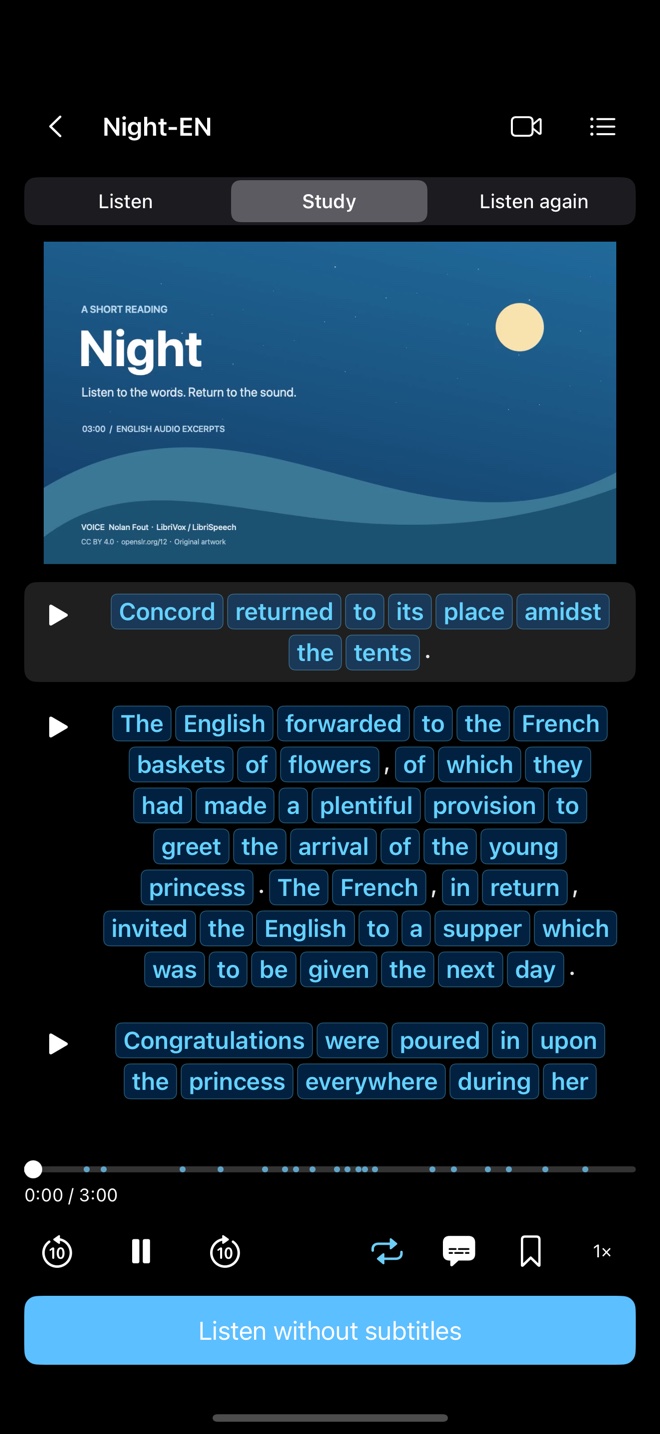
This is a practice routine you can try, not a promise of a particular learning result. The demo sample and subtitles were imported separately.